
Legacy Modernization: Migrating Applications to Cloud
Legacy to cloud migration is no longer just a trend; it is a necessity for maintaining operational speed and security. Transitioning from on-premise hardware to modern cloud environments allows businesses to shed technical debt and unlock new capabilities.
- Cloud Migration
- Legacy Modernization
- Infrastructure
- DevOps
Understanding the Legacy to Cloud Migration Path
To successfully migrate legacy application to cloud environments, you must first assess the current state of your architecture. Many older systems were built as monoliths, meaning they require careful decoupling before they can thrive in a distributed cloud ecosystem.
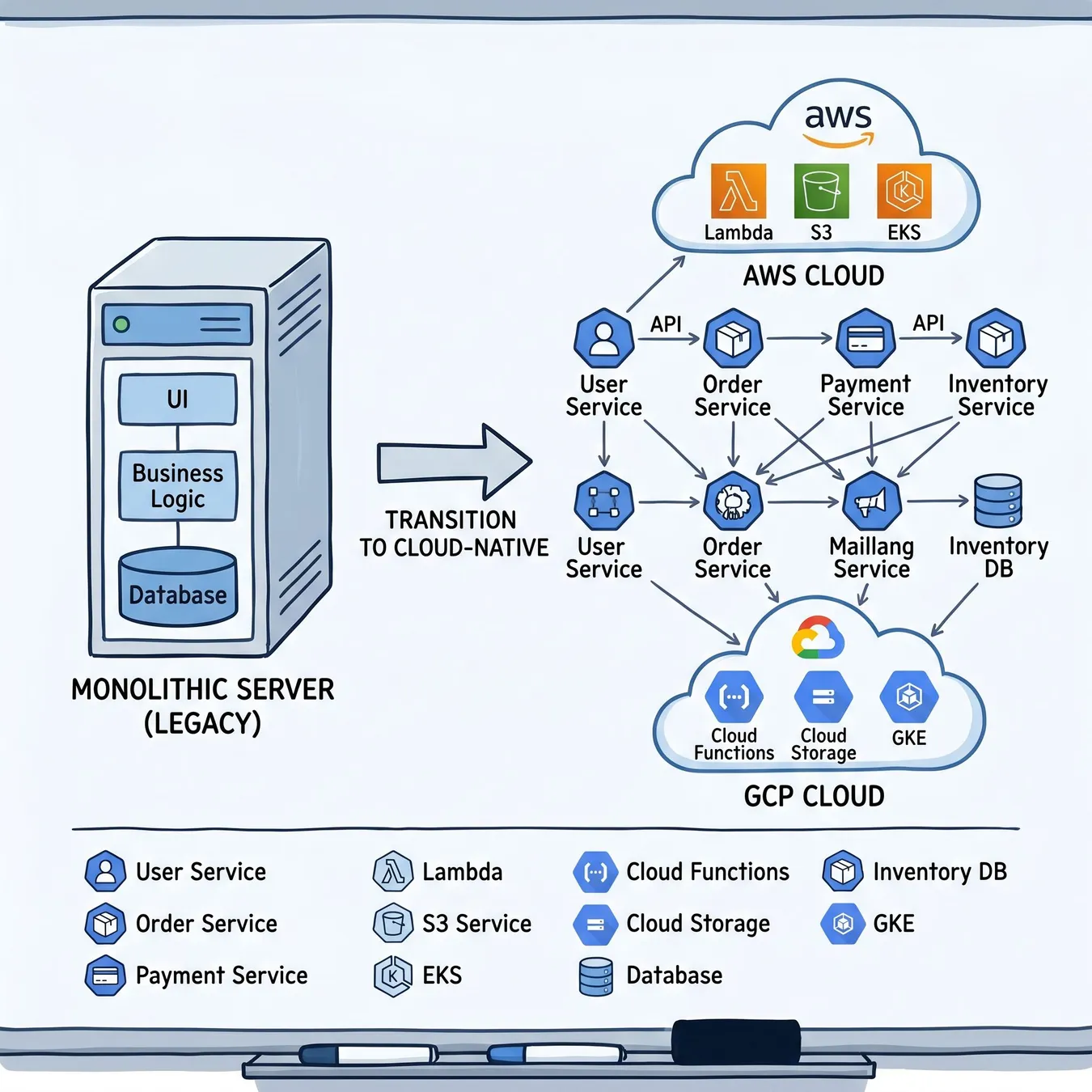
Visualizing the shift from legacy monoliths to cloud-native infrastructure.
Strategic Approaches to Legacy Modernization to Cloud
Modernization isn't a one-size-fits-all process. Depending on your business goals, you might choose to rehost, replatform, or completely re-architect your systems to leverage cloud-native features like auto-scaling and managed databases.
| Strategy | Effort Level | Cloud Benefit | Best For |
|---|---|---|---|
| Rehosting (Lift & Shift) | Low | Reduced DC costs | Quick exits |
| Replatforming | Medium | Managed services | Optimization |
| Refactoring | High | Max scalability | Core products |
The Challenges of Migrating Mainframe to Cloud
When migrating mainframe to cloud, the complexity often lies in the proprietary nature of the hardware and the specialized languages used. Modernization here requires sophisticated emulation or complete translation of COBOL/PL/I logic into modern languages like Java or Go.
Info.
// Mainframe Migration Tip
Executing a Data Centre Migration to Cloud
A full data centre migration to cloud involves moving not just applications, but the entire networking, storage, and security perimeter. This transition is the ideal time to implement software-defined networking and zero-trust security models.
30%
Avg. Cost Reduction
5x Faster
Deployment Speed
99.99%
Uptime Improvement
Transferring Data from a Legacy System to the New System
One of the most critical phases is transferring data from a legacy system to the new system without loss or corruption. This requires robust ETL (Extract, Transform, Load) pipelines and rigorous validation checks to ensure data integrity across schemas.
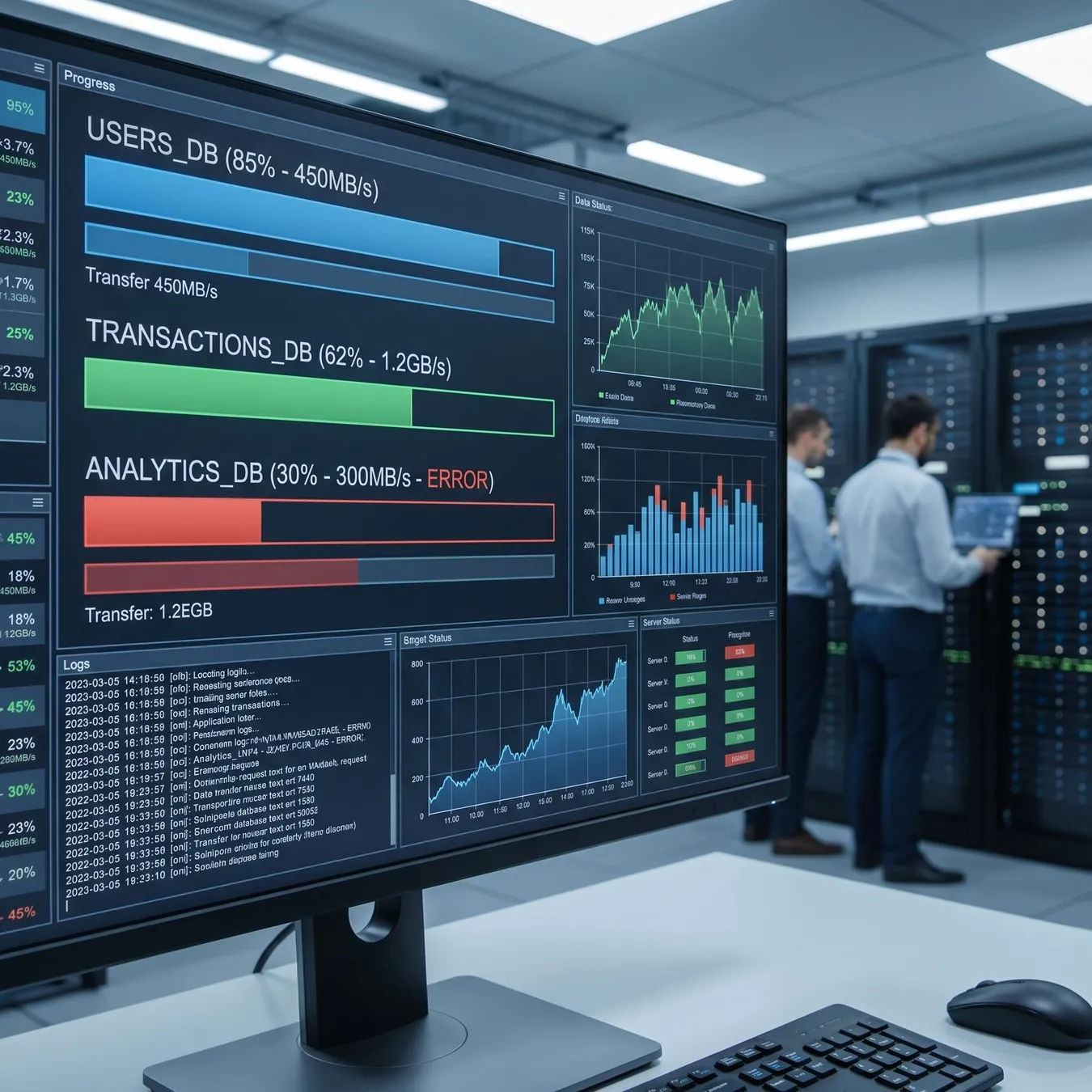
Monitoring data integrity during the transfer process.
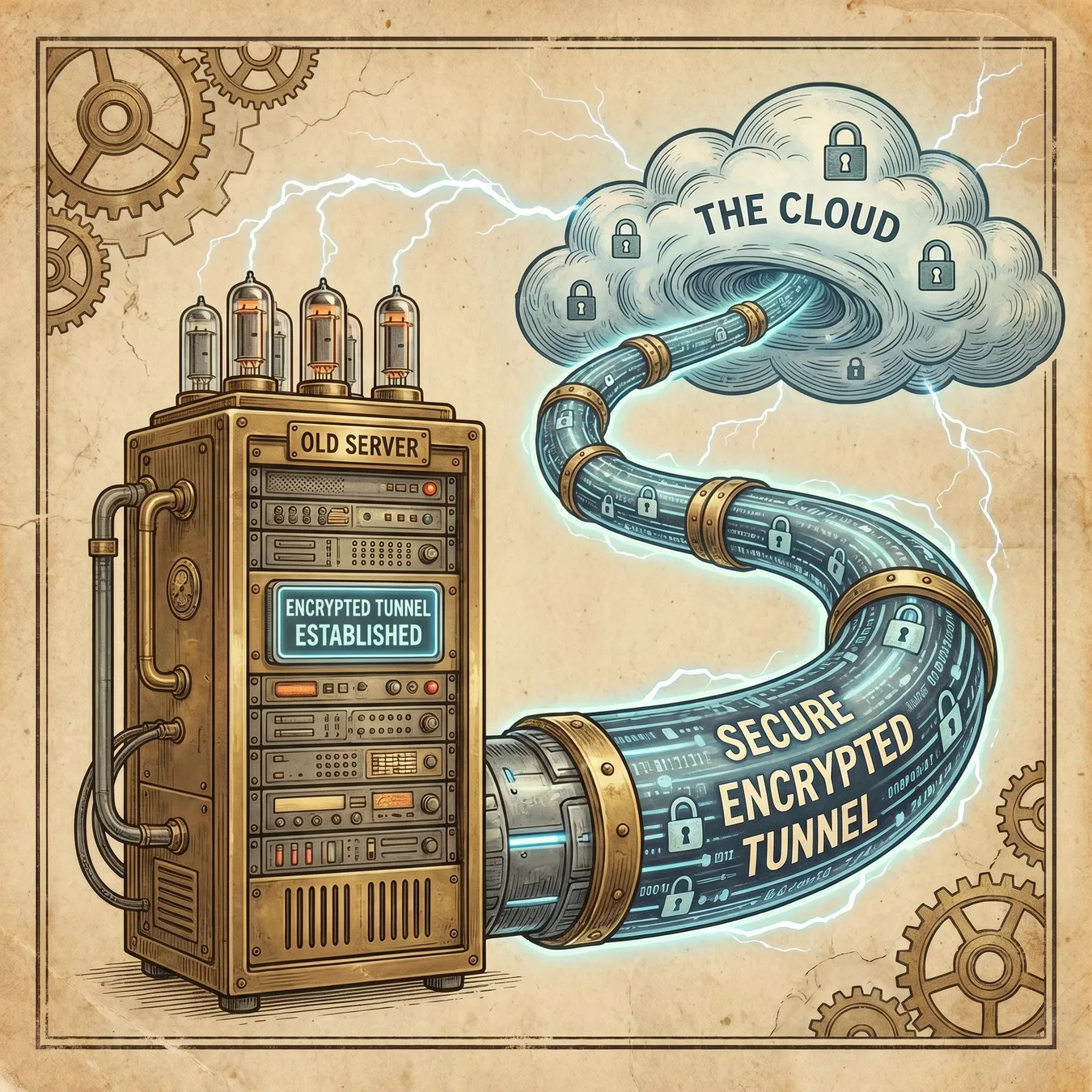
Secure data transit protocols.
Step-by-Step Migration Roadmap
01 / 05
phase 01 / 05
Discovery & Assessment
phase 02 / 05
Target Architecture Design
phase 03 / 05
Pilot Migration
phase 04 / 05
Full Scale Execution
phase 05 / 05
Post-Migration Optimization
Common Pitfalls in Legacy Cloud Transitions
Automate your infrastructure with code
Perform thorough security audits before go-live
Train your team on cloud-native tools
Assume on-premise security works in the cloud
Migrate 'dirty' data without cleaning it first
Ignore the costs of egress traffic
Modernizing Internal Tools and Operations
For many organizations, the first step is enterprise application modernization to ensure that internal tools can support a remote or hybrid workforce. Moving these apps to the cloud reduces the maintenance burden on IT teams.
Refactoring for Long-Term Scalability
Simply moving code isn't enough. True business application modernization involves refactoring the codebase to handle concurrent users and multi-tenant environments effectively.
Post-Migration: Embracing Automation
Once your systems are in the cloud, you can implement infrastructure deployment automation to ensure that your environments are reproducible, secure, and easy to scale without manual intervention.
Frequently Asked Questions
Building a Foundation for Growth
Migration is the starting line, not the finish. With your infrastructure in the cloud, you can finally integrate AI, real-time analytics, and global scaling capabilities that were impossible in a traditional data centre.
How Studio 402 Executes Modernization
At Studio 402, we don't just move your code; we harden it for production. We specialize in rescuing fragile prototypes and legacy systems, turning them into durable, cloud-native platforms that grow with your business.
Modernization is about removing the friction between your ideas and your production environment. We build the systems that make that possible.
Technical Director · Studio 402
Our Migration Capabilities
- Full-stack application refactoring
- AWS and GCP infrastructure architecture
- Automated CI/CD pipeline implementation
- Secure database migration and schema modernization
- Performance tuning for high-traffic environments
Ready to Modernize Your Infrastructure?
If your legacy systems are holding back your product velocity, it's time for a strategic shift. Studio 402 provides the engineering depth needed to navigate complex migrations and build a scalable future.
Build Your Cloud Future Today
Let's discuss your legacy migration roadmap and how we can build a production-ready cloud foundation for your team.
Explore Migration Strategies
Additional Resources
Deepen your understanding of cloud infrastructure and DevOps by exploring our related guides and service overviews.
Keep reading
More in Cloud & DevOps Engineering
Cloud Migration Checklist
Audit existing technical debt
Map all third-party integrations
Define success metrics (latency, cost, etc.)
Establish a rollback plan
Setup cloud monitoring and alerts
Key Migration Metrics
100%
Security Compliance
Zero Loss
Data Integrity
Finalizing your migration strategy requires a balance of speed and safety. By focusing on automated testing and incremental rollouts, you can modernize without risking the stability of your core business operations.
Summary of Modernization Benefits
Trade-off
3 pros · 3 cons
Pros
On-demand resource scaling
Automated security patching
Faster feature deployment
Cons
High maintenance overhead
Inflexible scaling
Security vulnerabilities
The transition to the cloud is a journey toward operational excellence. Whether you are moving a single application or an entire data centre, the goal remains the same: a more resilient, scalable, and efficient business.
Trusted by growth-stage teams to scale infrastructure.
Studio 402 Engineering Standards 2026
Thank you for reading our guide on legacy modernization. We hope this provides a clear path forward for your infrastructure goals.