
Rapid Prototyping for Functional Product Design
Rapid prototyping for product design is the process of creating interactive, high-fidelity simulations of a software product to validate user flows and technical feasibility. By building a virtual prototype early, teams can identify friction points before a single line of production code is written.
- UX Design
- Product Strategy
- MVP Validation
- 2026 Trends
What is Rapid Application Prototyping?
Rapid application prototyping focuses on the functional mechanics of a digital product. Unlike static wireframes, these prototypes allow stakeholders to click through real-world scenarios, testing everything from data entry to complex navigation paths.
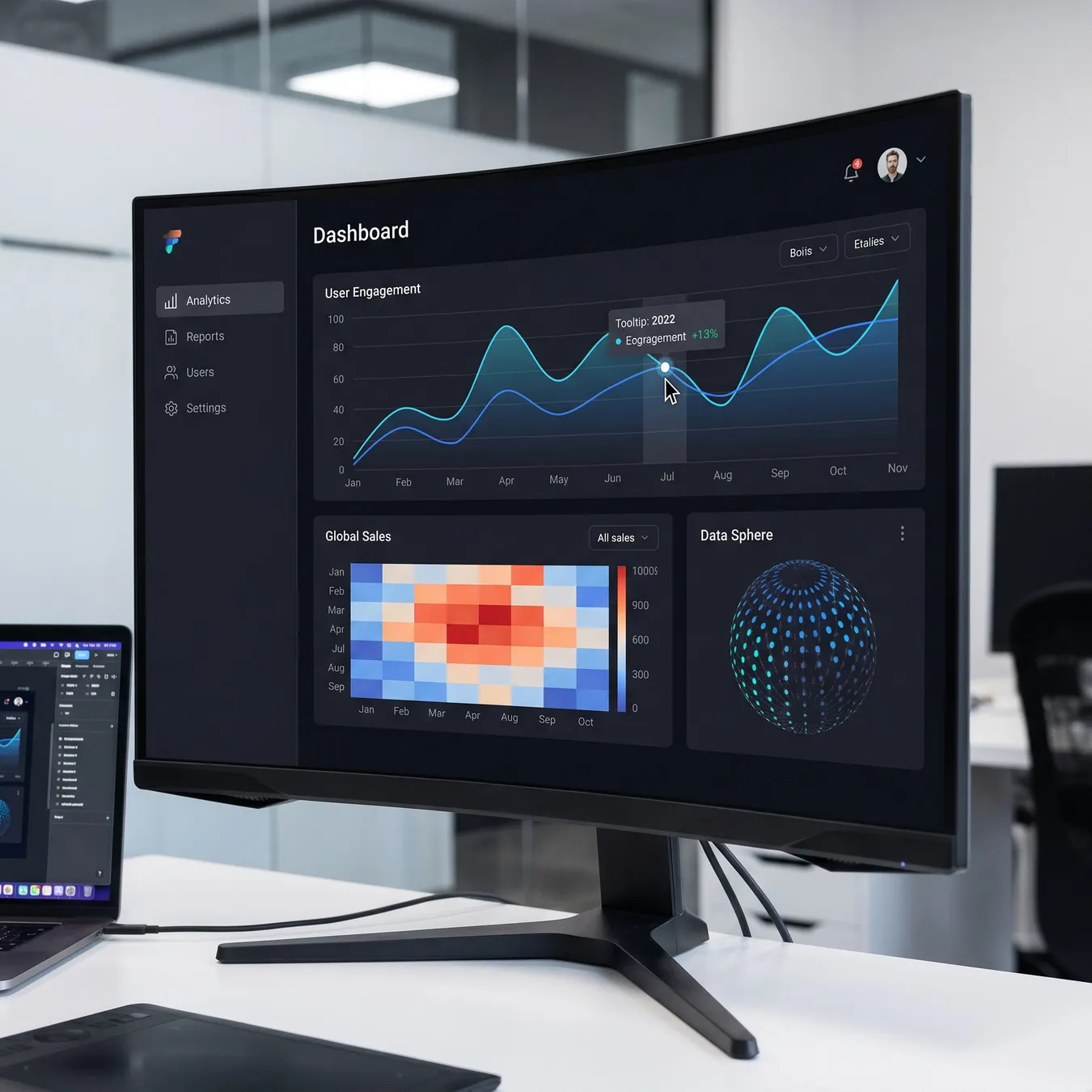
High-fidelity virtual prototypes simulate the final product experience for stakeholders.
The Core Benefits of UX Rapid Prototyping
Investing in UX rapid prototyping reduces the risk of building features that users don't need. It serves as a bridge between abstract ideas and concrete engineering requirements.
- Immediate feedback from real users on interface usability.
- Clearer communication with engineering teams regarding complex transitions.
- Significant reduction in late-stage design changes.
- Faster stakeholder alignment and budget approval.
How to Develop a Virtual Prototype
To develop a virtual prototype that actually yields insights, you must move beyond aesthetics. Focus on the 'happy path'—the primary journey a user takes to achieve their goal.
- 01
Define the core user problem and primary success metric.
- 02
Map out the critical user flows and decision points.
- 03
Select a high-fidelity tool to simulate interaction logic.
- 04
Conduct moderated testing sessions with target users.
- 05
Iterate based on observed friction and feedback.
Prototyping vs. Proof of Concept
While a proof of concept (PoC) tests if a technology works, a prototype tests if the solution works for the user. Understanding this distinction is vital for any rapid prototyping business.
| Feature | Prototype | Proof of Concept |
|---|---|---|
| Primary Goal | User Validation | Technical Feasibility |
| Target Audience | Users & Designers | Engineers & CTOs |
| Interactivity | High | Low to None |
Common Prototyping Pitfalls to Avoid
Focus on the most complex user flows first.
Use realistic data to test edge cases.
Set clear objectives for every user test.
Over-design visual elements before the flow is solid.
Ignore accessibility standards in the mockup phase.
Treat the prototype as a final production spec.
Tools for Modern Rapid Prototyping
In 2026, the landscape of product prototype companies has shifted toward AI-assisted design tools that can generate functional layouts from natural language prompts.
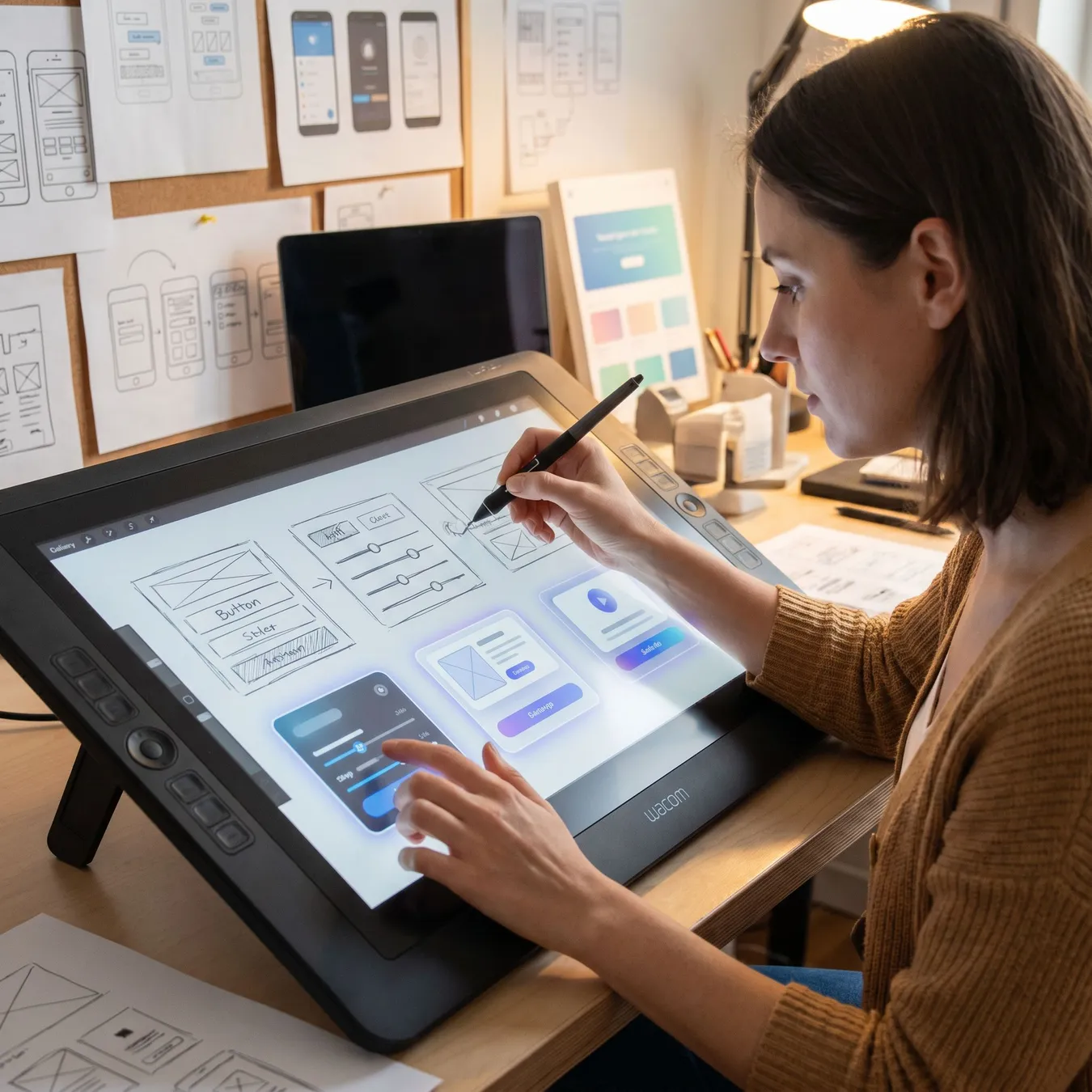
Modern tools accelerate the transition from sketch to simulation.
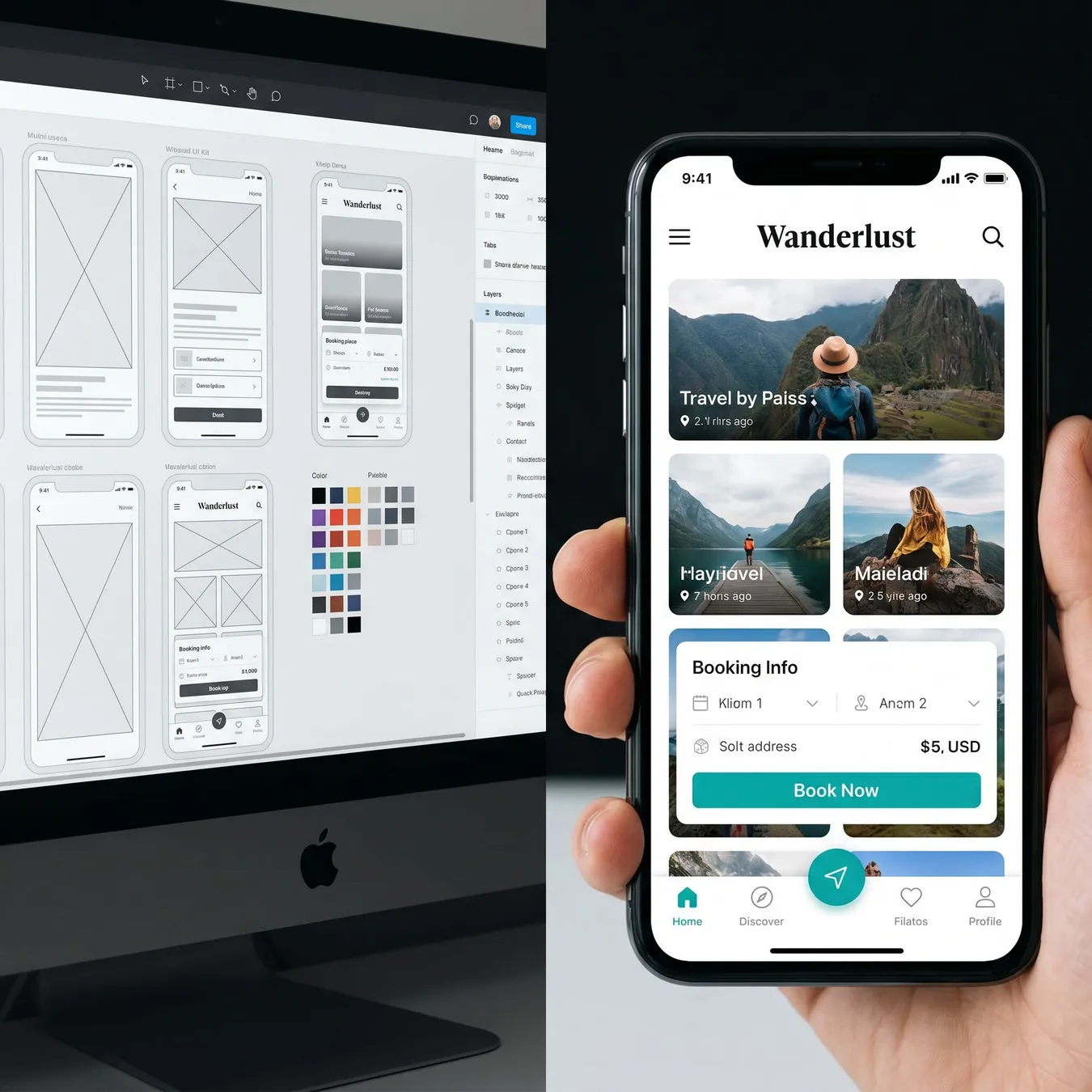
Real-time syncing between design and prototype environments.
Integrating Prototyping into Agile Workflows
Effective teams use agile development mvp cycles to ensure that prototyping isn't a one-off event. It should be a continuous loop of learning and refining.
Tip.
// Pro-Tip
Validating Business Logic Early
A functional prototype allows you to test business logic—such as pricing tiers or permission levels—without the overhead of database management.
50%
Reduction in rework
3x
Faster stakeholder buy-in
40%
Lower development costs
Transitioning to Web Applications
Once a prototype is validated, the next step is often a rapid web application build. This moves the logic from a simulation into a live environment.
Prototyping for Non-Technical Founders
If you are leading a project without a deep engineering background, learning how to create an app prototype can be your most powerful communication tool.
The Role of a Design Partner
Many organizations choose to work with a startup design studio to facilitate the discovery and prototyping phase, ensuring a professional standard from day one.
Prototyping Success Stories
The high-fidelity prototype allowed us to secure our Series A before we even started the backend build. It made the vision undeniable.
Prototyping Checklist for 2026
Verified mobile responsiveness
Interactive data visualizations
Simulated API latency
User feedback collection points
Scaling Beyond the Mockup
A prototype is a means to an end. The goal is always to move toward a production-ready system that can handle real users and real scale.
Frequently Asked Questions
Why Studio 402 for Prototyping?
At Studio 402, we don't just build pretty mockups. We design prototypes with an engineering mindset, ensuring that every interaction we validate has a clear path to production.
We build prototypes that survive the transition to reality. No throwaway code, just a clear roadmap to scale.
Studio 402 Engineering Team
Our Prototyping Process
01 / 04
phase 01 / 04
Discovery
phase 02 / 04
Flow Mapping
phase 03 / 04
High-Fidelity Build
phase 04 / 04
Validation
Ready to Validate Your Idea?
Stop guessing and start testing. Whether you are a startup founder or an enterprise leader, our prototyping services provide the clarity you need to move forward with confidence.
Trusted by 50+ founders to launch production-ready software.
Updated July 2026
Build Your Virtual Prototype Today
Transform your product concept into a high-fidelity prototype that secures buy-in and validates your vision.
Explore Next Steps
Keep reading
More in MVP Development & Product Strategy
Prototyping for Mobile vs Web
Mobile prototypes require a focus on touch targets and gestures, while web prototypes often deal with denser information architecture and hover states.
Trade-off
3 pros · 3 cons
Pros
Focused user tasks
Native hardware access
High user engagement
Cons
Limited screen real estate
Gesture complexity
Variable connectivity
Stakeholder Management
Prototypes are the best way to manage expectations. When a stakeholder can see and feel the product, the 'I thought it would do X' conversations happen before they become expensive.
Technical Hardening
As you move from a prototype to a production build, security and scalability become the primary focus. Our team ensures that the transition is seamless.